

User experience (UX) design focuses on how a product works and feels for the user, ensuring it is useful, intuitive, accessible, and meets the user's needs and expectations. User interface (UI) design focuses on how the product looks and how users interact with it visually, including layout, typography, colour, and interactive elements. Together, UX and UI are now commonly referred to as product design, reflecting a more holistic discipline that spans research, strategy, interaction, and visual design across the entire product lifecycle.
Context
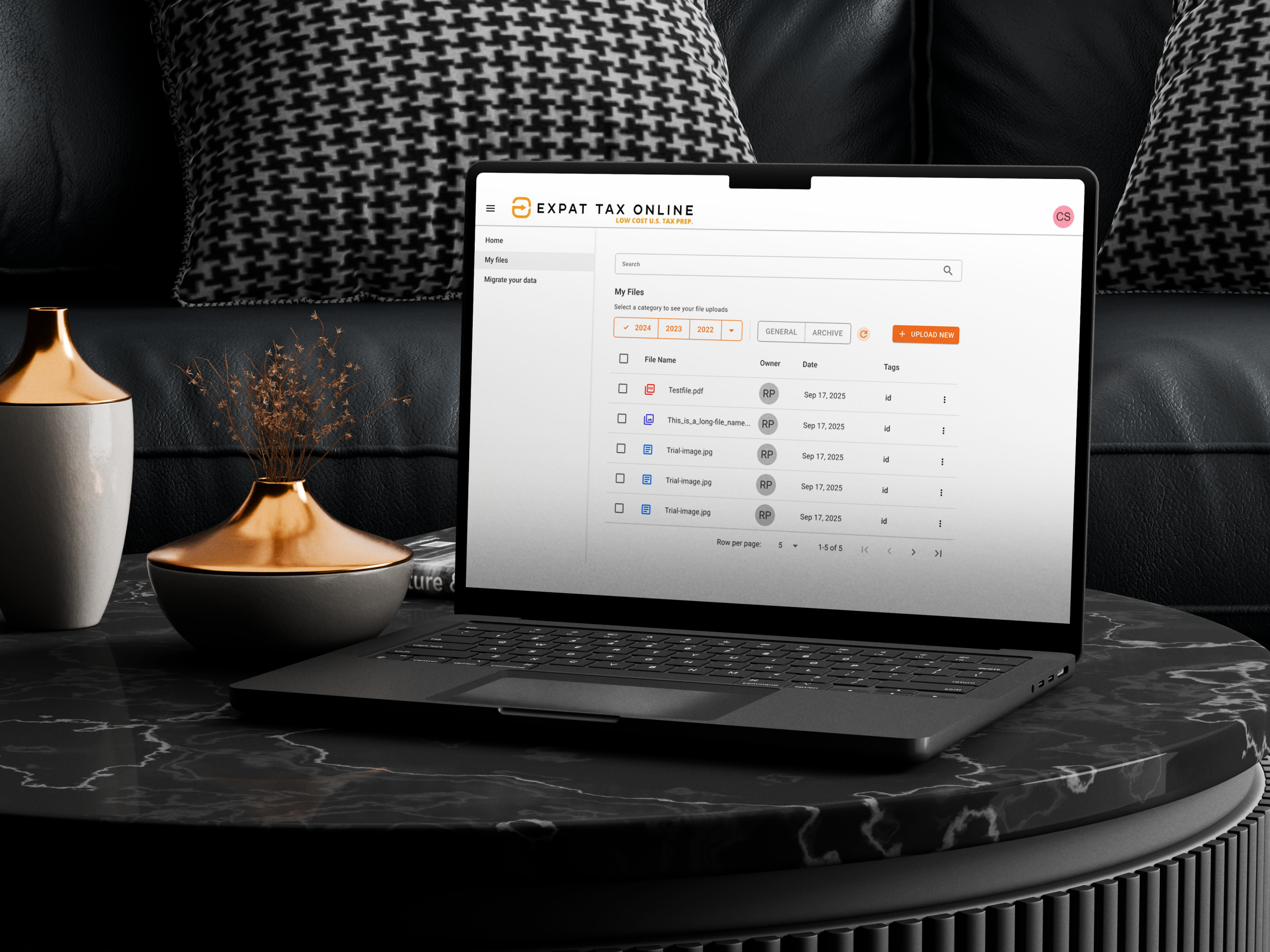
The client had a basic idea of how they wanted their document upload flow to work, but needed a professional team to optimise and enhance the user experience, to make it easy to use and easy to be accurate.
Details
Time Frame:
1 week
Role:
UI/UX Designer
Involvement:
Ideating, Web Interface, Prototyping,
Challenge
To enhance and improve the user experience by creating an intuitive interface. The product uses the MudBlazor design system. We referenced Material 3 for best practice design patterns. This resulted in minimal code customisation and an efficient build.
Solution
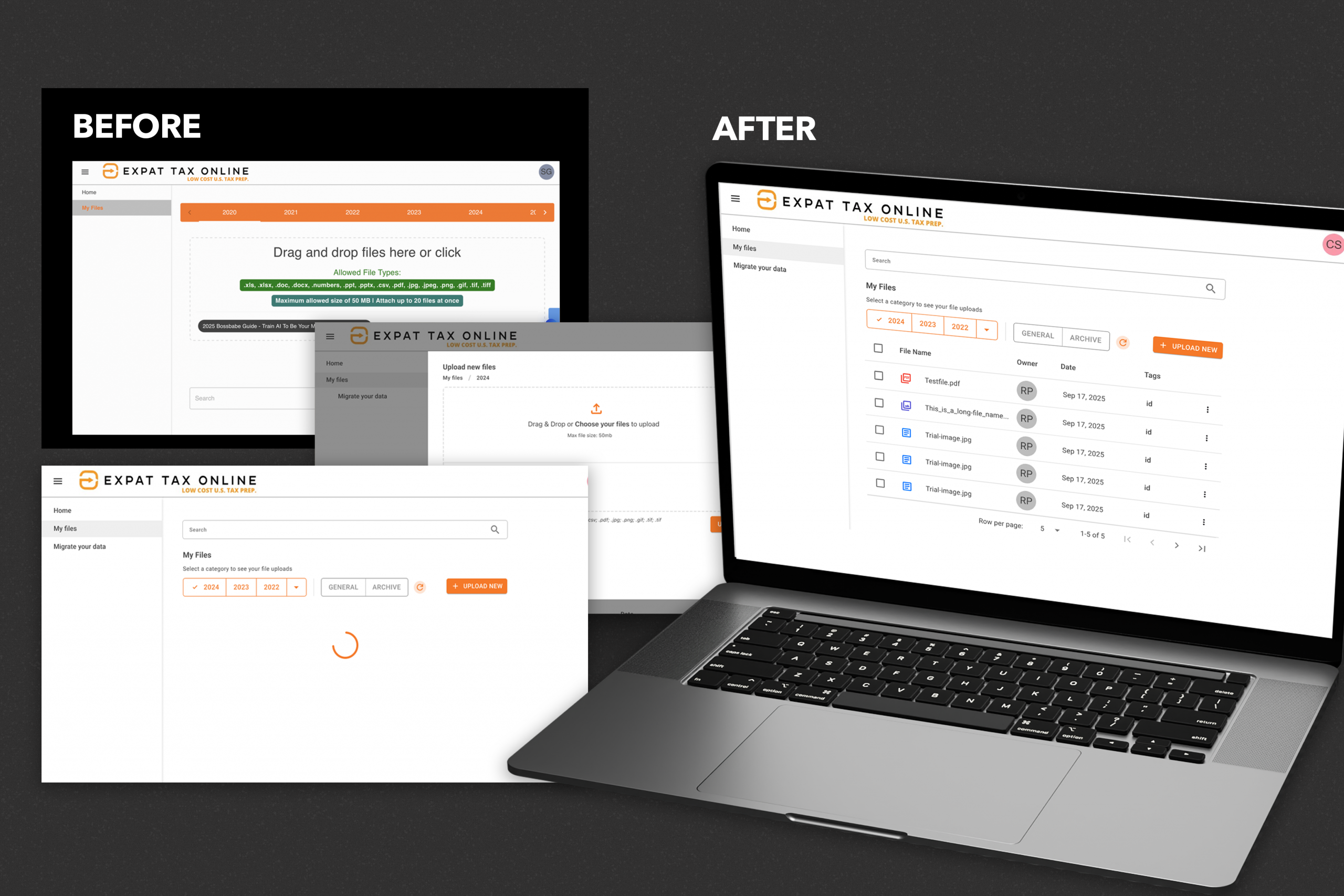
We simplified the interface by using colour only for emphasis and to improve the visual hierarchy and legibility. To keep the visual aesthetic of the interface consistent, we reduced the number of fonts to one and reduced colours to the brand colours. To enhance the user experience, we incorporated hint text in the sub-copy to ensure users know what they need to select and how to upload their documents. Use of iconography ensured that at a glance, the user can see the types of files they’ve uploaded instead of having to continually preview them.
- Information architecture
- Visual hierarchy
- Accessibility
Results
The interface is created with scalability in mind. The interface has an architecture which can support new features of the product as they are developed.